
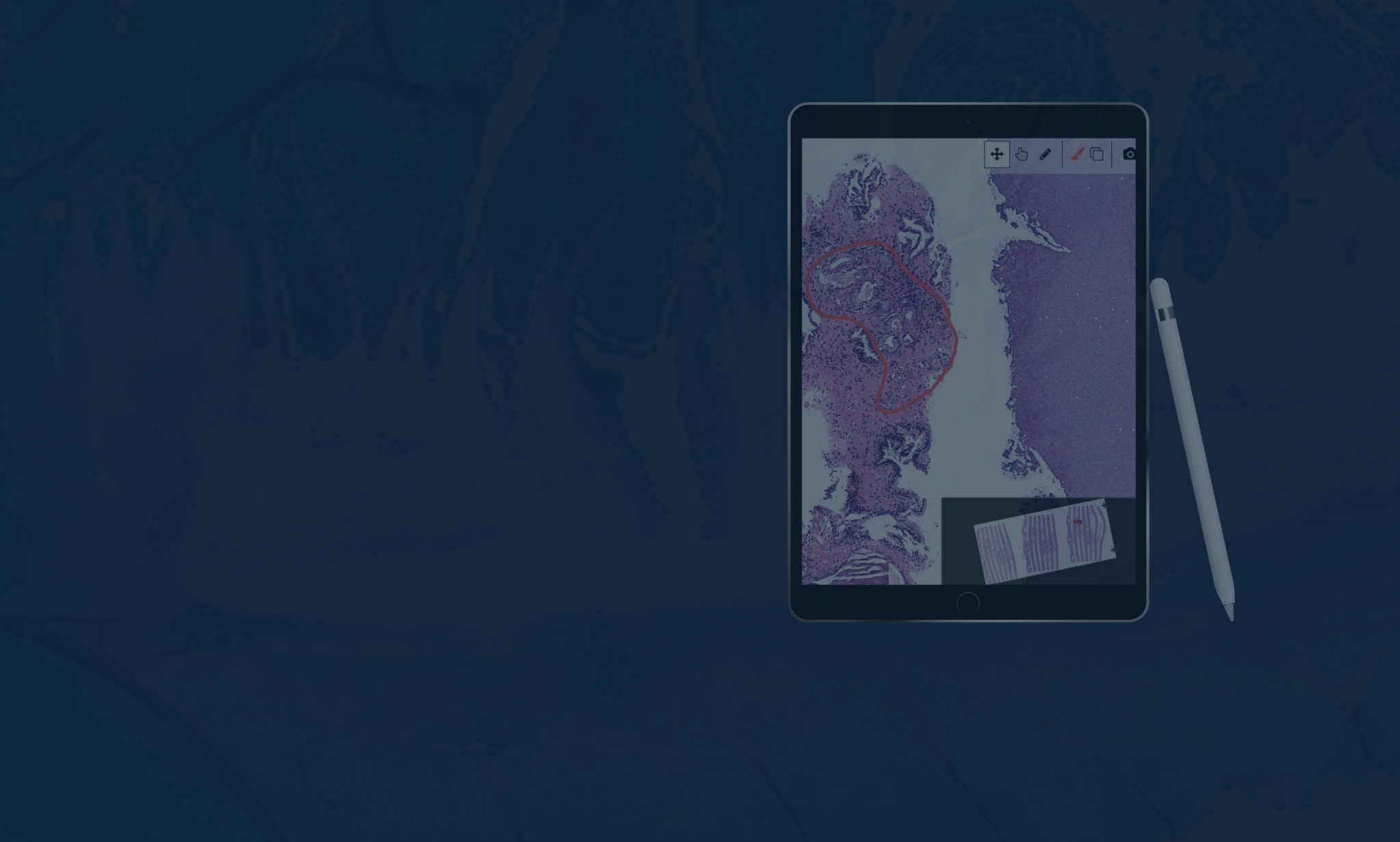
Digital pathology is frequently marketed as a high-speed upgrade to the traditional lab. But if you’ve spent years optimizing how you move through a case on glass, that claim probably lands with some skepticism. You’re already fast. The microscope works. And you’ve seen enough vendor promises to know that “streamlined workflow” often means streamlined for someone else’s workflow.
That skepticism is fair. This post tries to give you a straight answer: where the efficiency gains are real, where the friction shows up, and what actually determines whether a digital transition accelerates your practice or just adds complexity to it.
The Digital Pathology Workflow: What Changes and What Doesn’t
Before evaluating efficiency, it helps to understand what a digital pathology workflow actually looks like in practice compared to traditional microscopy.
In a traditional workflow, tissue is processed, sectioned onto glass slides, and physically routed to a pathologist. Consultations require shipping slides. Second opinions take days. Archiving means physical storage. Every step is constrained by geography and logistics.
In a digital pathology workflow, glass slides are scanned into high-resolution whole slide images (WSIs), which are then routed electronically to pathologists who can access them from any validated location. Cases are distributed instantly. Consultations happen in minutes. Archives are searchable and permanent. AI tools can analyze images alongside the pathologist in real time.
The workflow transformation is significant. But it only delivers on its promise when the implementation is done right.
Where Digital Pathology Workflows Break Down
Will this slow me down?
Possibly, at first — and it’s worth being honest about that. The early validation phase temporarily doubles your workload: you’re signing out digitally while maintaining glass as a parallel check. That period is real, and it’s the point where most dissatisfaction with digital pathology originates. It’s also finite. The labs that get through it most smoothly are the ones where pathologists were involved in platform selection early, so the tool they’re validating on is one they had a hand in choosing.
What happens to my workflow during the transition?
The biggest workflow variable isn’t the technology — it’s how well the platform fits the way you actually work. Some systems require toggling between a separate viewer, a separate LIS, a separate AI platform, and a separate reporting tool. Every context switch costs time. The efficiency case for digital pathology only holds when image viewing, case management, AI results, and report generation all live in one place. If they don’t, the gains are modest at best.
Lumea’s platform was designed around this principle: image viewing, case management, AI results, molecular test ordering, and report generation all on one screen, with no toggling between systems. It’s the difference between a digital workflow that genuinely replaces the microscope and one that just adds a screen to your existing process.
Infrastructure matters here too. Whole slide images run 1–2GB each. If the network can’t handle the load, you’ll spend more time watching a loading bar than reviewing tissue; which is exactly the kind of friction that makes pathologists reasonably conclude that glass was faster.
Does it work for my subspecialty?
It depends. High-volume surgical pathology, dermatopathology, and urology have the strongest track record. Frozen sections, some cytology applications, and cases requiring very fine nuclear detail are more nuanced, and most pathologists working digitally maintain glass as a fallback for specific case types. Evaluating digital pathology against your actual case mix — not the general literature — is the right way to approach this.
Where Digital Pathology Workflows Genuinely Accelerate
Case Distribution and Routing
In a traditional lab, distributing cases is a physical, manual process. In a digital workflow, it’s instant and automated. Specimens, blocks, and slides no longer need to stay together throughout processing because images are sorted and routed electronically. This enables true LEAN workflow and first-in, first-out case management that’s nearly impossible to achieve with glass.
Remote Access and Consultation
Digital pathology eliminates the geographic constraints that have historically made subspecialty consultations slow and expensive. A second opinion that previously required shipping slides and waiting days is now a shared link and a conversation. For multi-site pathology groups, the ability to balance workload across locations in real time is a structural efficiency gain that compounds over time.
AI-Assisted Analysis
Modern digital pathology platforms integrate AI tools that assist with cell counting, QA checks, triage, biomarker quantification, and draft report generation. These aren’t theoretical future capabilities; they’re in clinical use today. The efficiency gains depend on choosing AI tools that are integrated into your primary workspace rather than running in a separate application. When AI results surface alongside the image, they save time. When they require a platform switch to access, they don’t.
Lumea’s open AI marketplace integrates leading AI tools from partners including Paige, Primaa, Mindpeak, and AIRA Matrix directly into the diagnostic workspace, so AI results appear alongside the image without requiring pathologists to switch platforms. You choose the AI that fits your case mix — Lumea provides the infrastructure that makes it all work together.
Ergonomics and Fatigue
Traditional microscopy is physically demanding: neck strain, back pain, and eye fatigue are occupational realities for high-volume pathologists. A well-designed digital pathology workstation eliminates most of this. A pathologist who isn’t fatigued by mid-afternoon maintains diagnostic speed and accuracy that a tired pathologist can’t match. This is a real efficiency factor that rarely shows up in formal ROI calculations but matters enormously in daily practice.
Archiving and Retrieval
Searching a digital archive for a prior case takes seconds. Searching a physical archive can take hours or days. For pathology groups that regularly need to reference prior biopsies for comparison, this alone justifies the transition for many practices.
The Workflow Comparison at a Glance
| Feature | Traditional Microscopy | Digital Pathology | Efficiency Impact |
|---|---|---|---|
| Case distribution | Physical sorting and hand-delivery | Instant automated electronic routing | High: saves hours of tech time |
| Consultations | Days (shipping physical slides) | Minutes (shared digital access) | High: faster turnaround |
| Archiving | Physical cabinets or off-site storage | Secure local or cloud storage | High: instant search and retrieval |
| AI analysis | Not available | Integrated quantification and triage | Medium: improved accuracy and speed |
| Physical toll | Neck, back, and eye strain | Ergonomic single-monitor setup | Medium: reduced fatigue |
| Validation | Not required | Required upfront | Low: initial time investment during setup |
*Lumea’s platform unifies diagnosis, reporting, AI tools, molecular test ordering, billing, and communication on a single screen. No secondary monitors, no separate applications, no context switching.
What the Data Shows
Labs running Lumea’s full digital pathology platform have documented specific, measurable efficiency gains: a 76% reduction in lab time, 53% faster ancillary test turnaround, and a 35% reduction in tissue fragmentation that cuts down on rework and recuts. These are from real practice environments, not controlled pilots.
Gains of that magnitude don’t come from installing a viewer. They come from improving specimen quality at the point of collection, eliminating parallel workflows through LIS integration, and using AI tools that are actually embedded in the diagnostic workspace. The technology is one part of it. How it’s implemented is the other.
What’s Worth Knowing Before Your Lab Makes the Move
Whether you’re being asked to evaluate a transition, advocate for one, or simply trying to understand what your colleagues are describing — the most useful input usually comes from pathologists who have already been through it. Not vendor case studies, but actual conversations about what the first six months looked like and what they’d do differently.
Dr. Todd Randolph and Dr. Adam Cole have both shared their experiences openly. Dr. Cole’s perspective on what changed for his prostate practice — reduced false negatives, better tissue quality for molecular testing, and what that means for patients — is worth reading if you’re weighing this for a similar case mix.
“We’re all doctors. We all got into this field for a reason: the patient is central to everything we do. Using Lumea technology simply results in a better end product for our patients.” — Dr. Adam Cole, TruCore Pathology
If you want to see what the workflow looks like before committing to an evaluation, a demo is a low-stakes way to do that. Request more information or a demo today!